Transcription in 10 languages
The free version keeps microphone transcription running in a manually selected language, with the newest lines automatically kept in view.
Speak. Understand. Carry it forward.
Turn speech in 10 languages into live text and translate each completed sentence. With Full Access, wayaknow detects either of your two selected languages for each utterance, following language changes during the same conversation. When you need a recap, choose the summary format that fits.
What it does
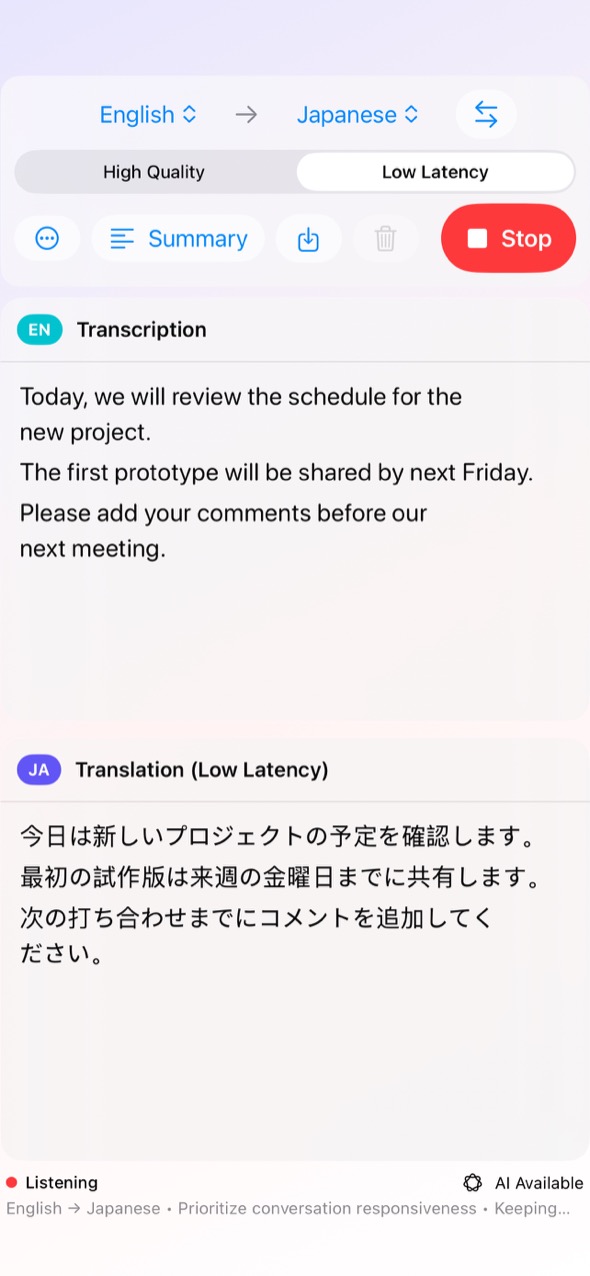
Choose the spoken and target languages, then start. Alongside manual selection, Full Access can identify which of those two languages is being spoken, one utterance at a time.
The free version keeps microphone transcription running in a manually selected language, with the newest lines automatically kept in view.
Translate as sentences complete, in Low Latency or High Quality. In the free version, it pauses for one minute after each five-minute period.
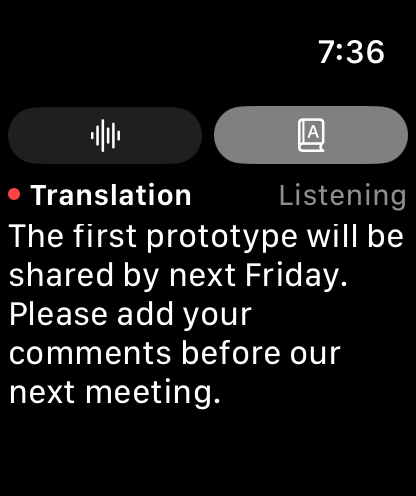
Choose Standard, Meeting Notes, Lecture Notes, Research Presentation, or Guidance & Procedures. Free use shares the translation timer and pause.
Save transcripts, translations, and generated summaries in a location you choose. Free use shares the translation timer and pause.
Keep transcription, translation, or both visible in a compact window while using another Mac app.
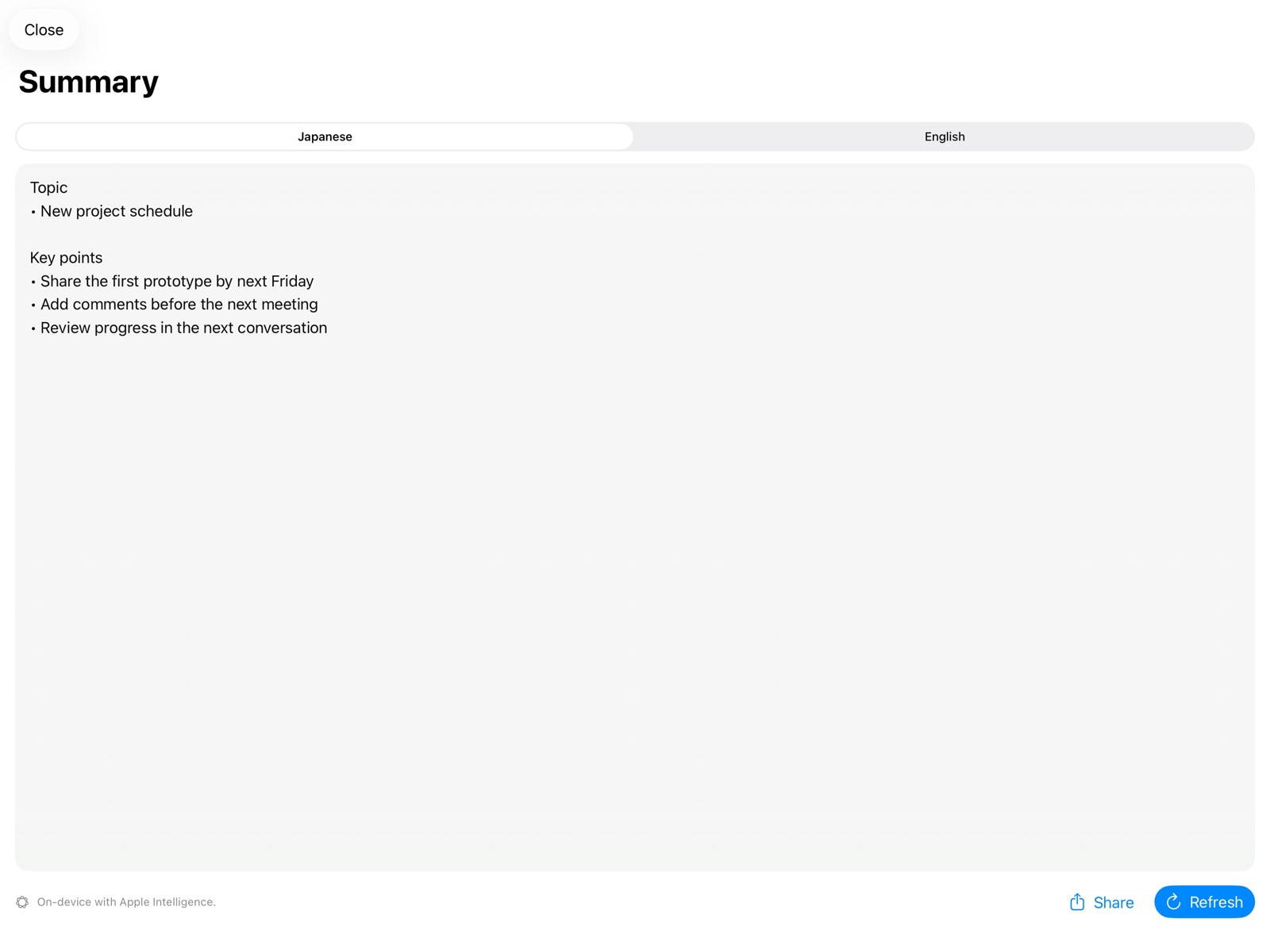
Switch between the latest transcript and translation on your wrist while your paired iPhone is listening.
Identify each utterance as your selected transcription or translation language, on device, including language changes during a conversation.
Remove the pauses for translation, summaries, and saving, and use authorized Mac System Audio as input. Full Access is a one-time purchase, not a subscription.
Auto Detect · Full Access
Detection is deliberately limited to the transcription and translation languages you select. Short pauses separate utterances, and each one is labeled and transcribed in the detected language. Follow a bilingual conversation without repeatedly changing the input control.
Auto Detect is available with wayaknow Full Access on Mac, iPhone, and iPad. Microphone transcription with a manually selected language remains available in the free version.
In the app
Apple Watch companion
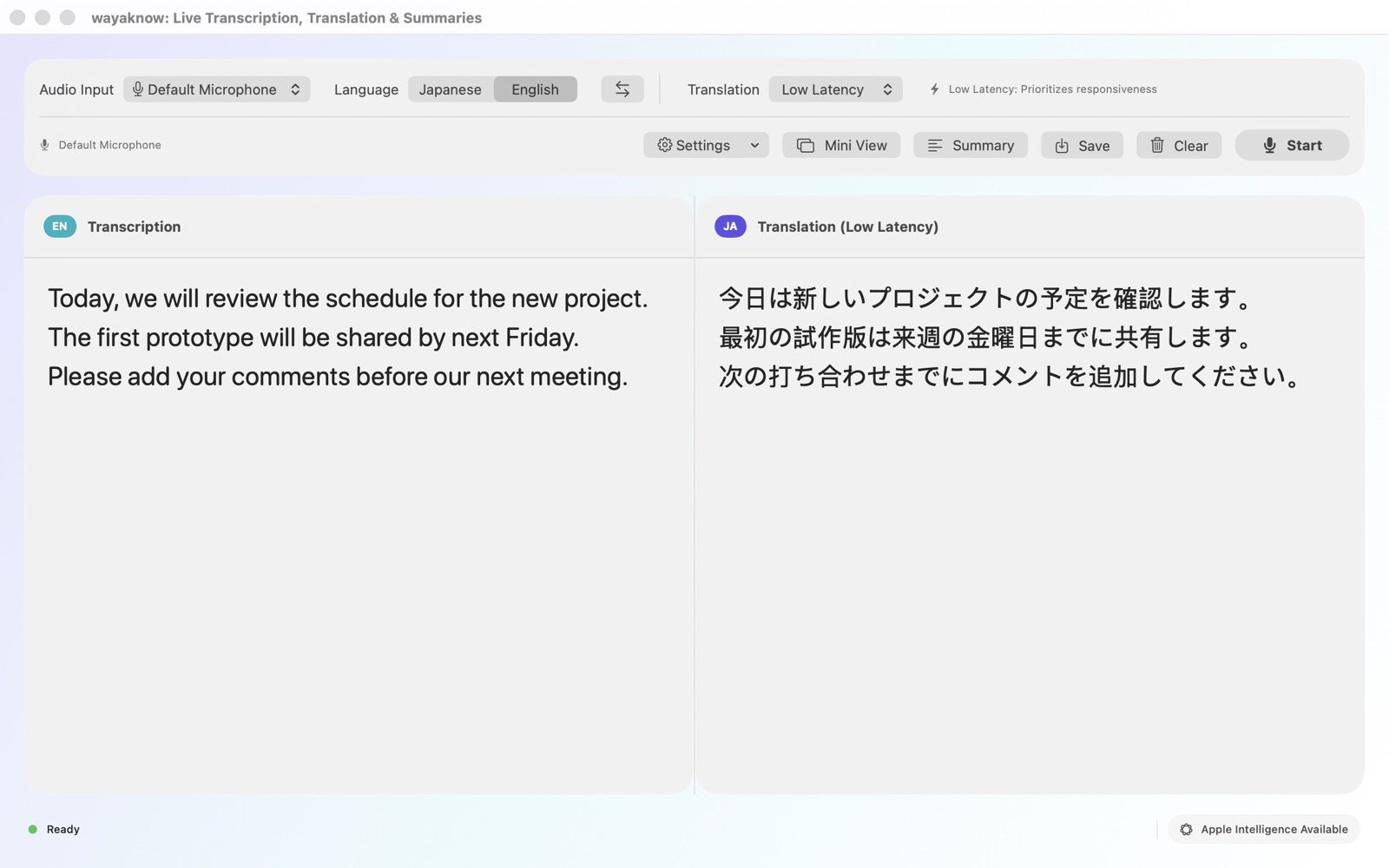
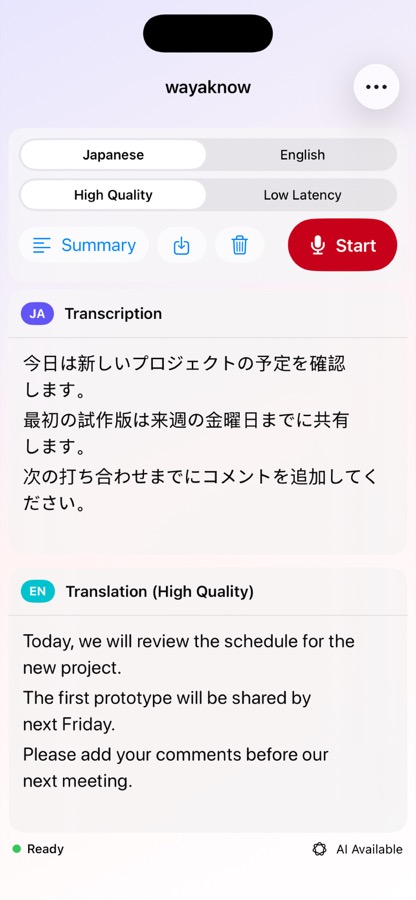
Start listening on your paired iPhone and the latest transcript and translation appear on Apple Watch. Two controls at the top switch the view, and the newest text stays in view automatically.
Speech recognition and translation run on iPhone. Apple Watch does not independently record, start, or stop a session, and it does not sync directly with the Mac app.
Free
Microphone transcription keeps running. Translation, summaries, and saving pause for one minute after each five-minute period; select Resume Translation to begin the next period.
Full Access
Remove the wait for translation, summaries, and saving, and unlock automatic language detection by utterance plus system-audio input on Mac. Restore the purchase on your devices with the same Apple Account.
Requirements & privacy
An Apple silicon Mac with macOS 26.4 or later, iOS/iPadOS 26.4 or later, or watchOS 26.4 or later. Apple Watch requires a paired iPhone. High Quality translation and summaries depend on Apple Intelligence support and model readiness.
The App has no user accounts, ads, or analytics SDKs. wayaknow does not collect your audio, transcripts, translations, or summaries on developer-operated servers.