ECG Vector icon

ECG Vector

3D Cardiac Lead Simulator

macOS 14+iPhoneiPadiOS 17+10 languages

Every ECG shape has a reason. Connect 3D cardiac activation, ions and action potentials, and the features of representative ECG patterns—then check your understanding with quizzes.

Four workspaces

Understand the ECG from four angles.

Choose a workspace from the top tabs on Mac and iPad, or from the feature menu shown at launch on iPhone.

01

ECG Mechanism

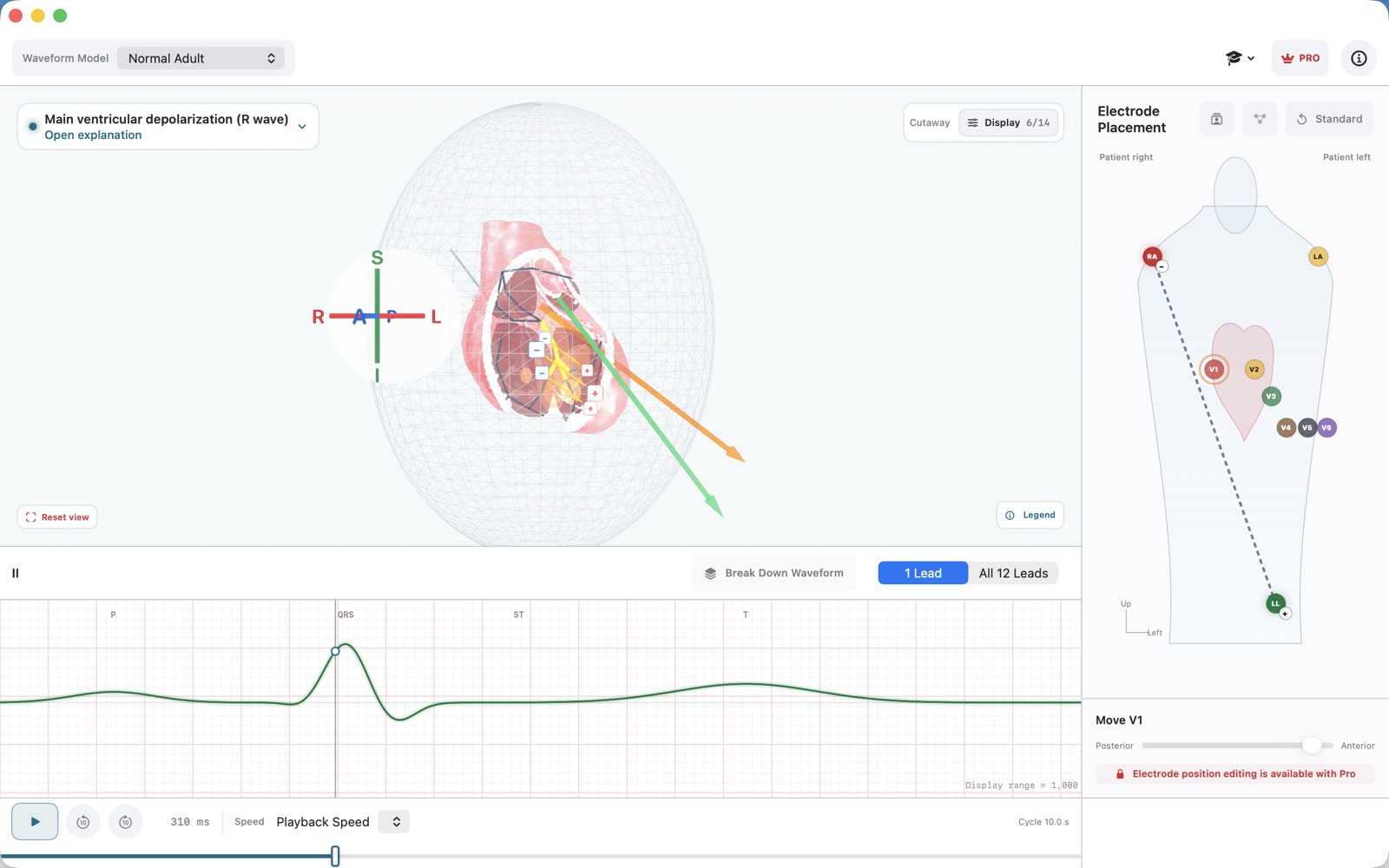
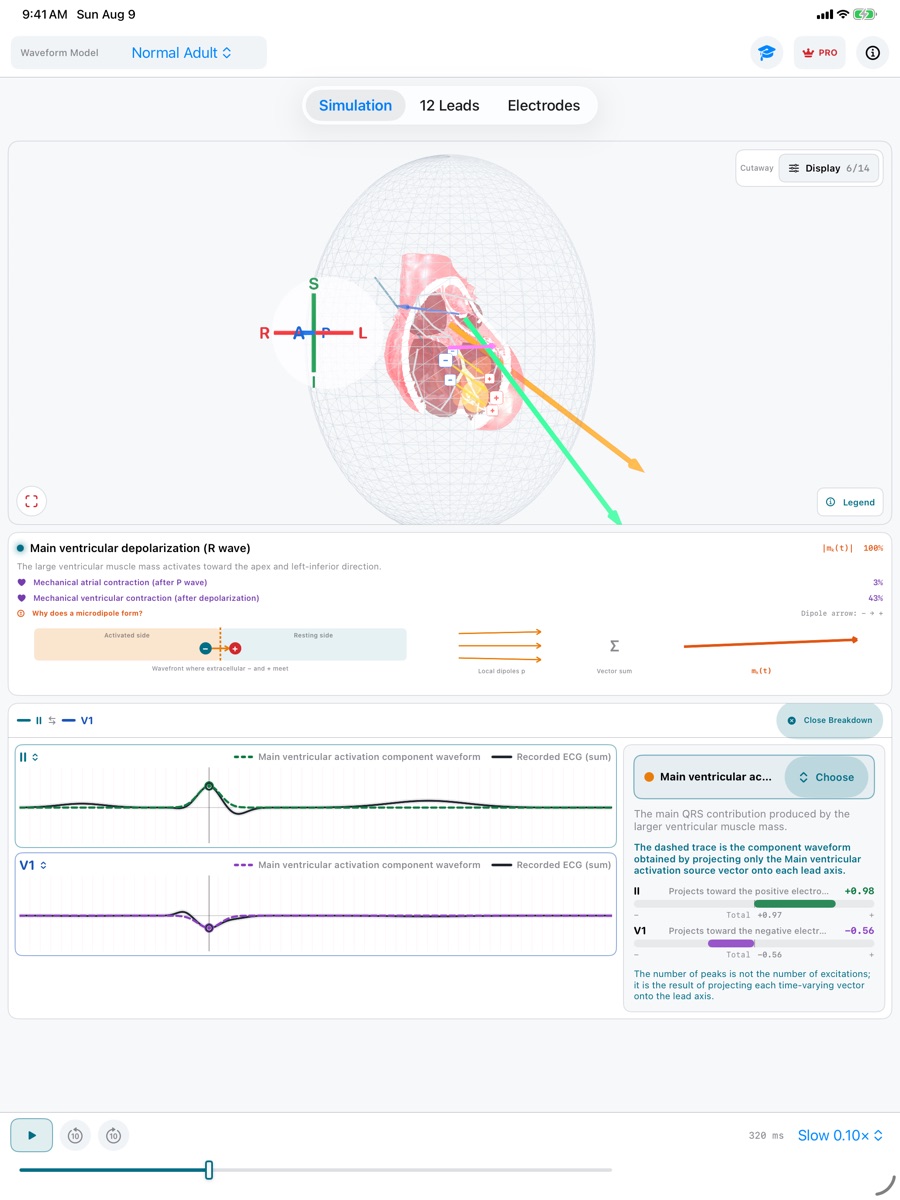
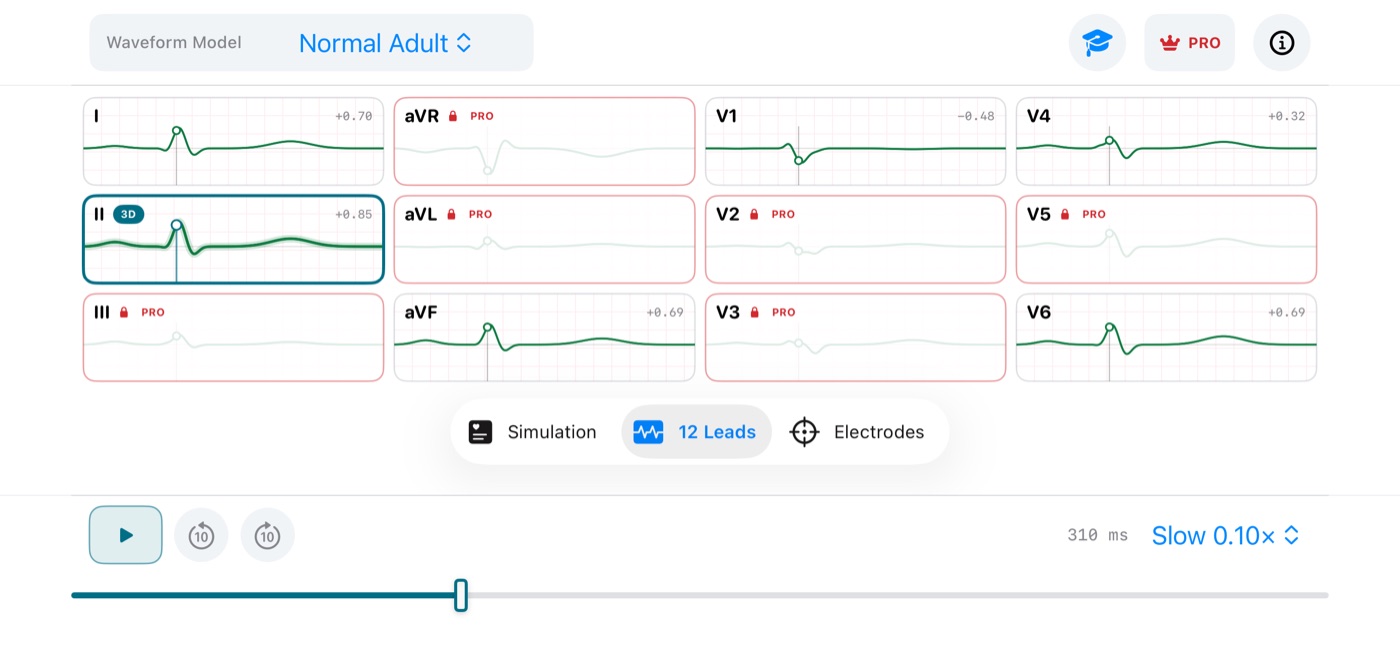
Synchronize excitation, repolarization, the cardiac vector, lead-axis projection, and all 12 leads with a rotatable 3D heart. Break down one lead or compare two to see why each waveform takes its shape.

02

Ion & ECG

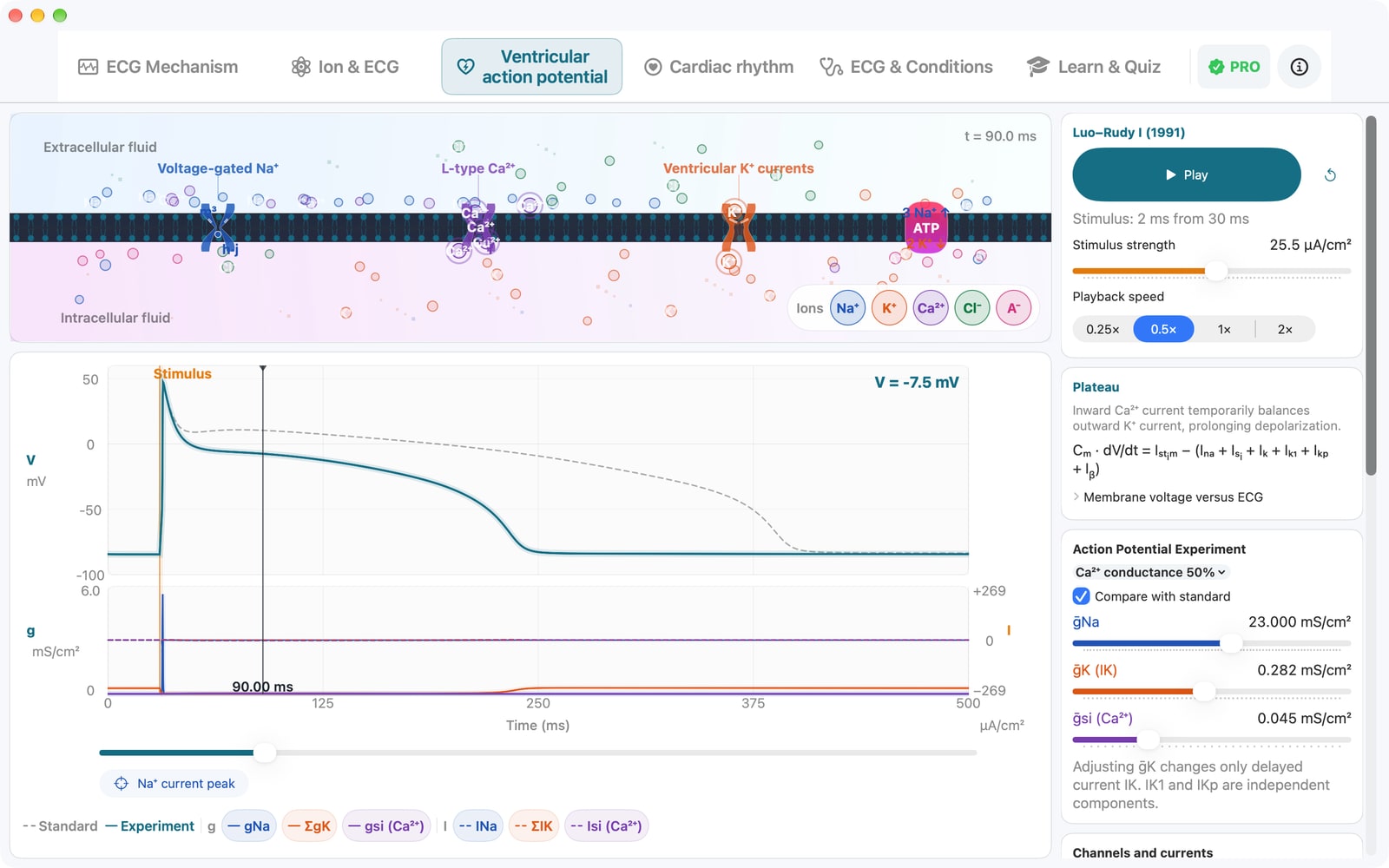
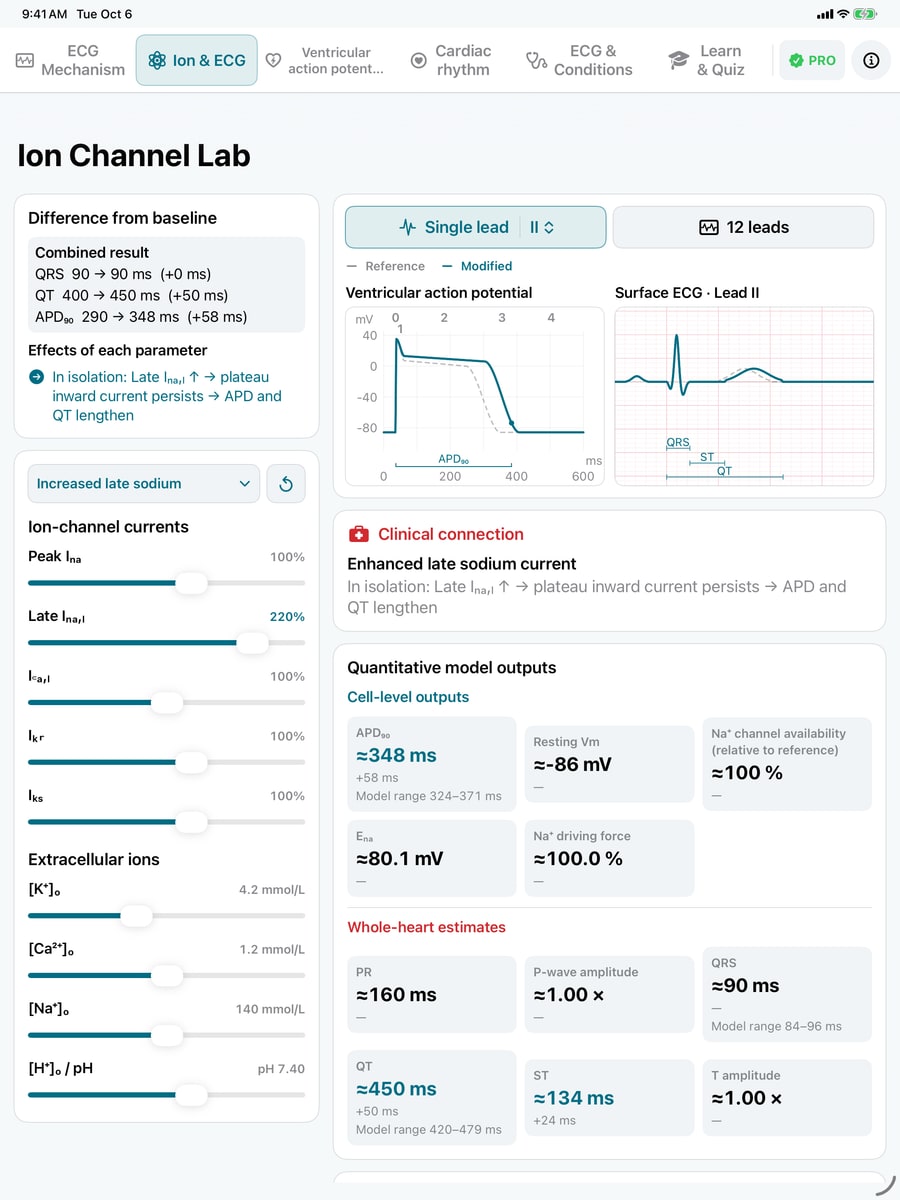
Adjust major ion currents and extracellular K⁺, ionized Ca²⁺, Na⁺, and H⁺ (pH). Watch the ventricular action potential and ECG while exploring changes from baseline and links to conditions. Cellular calculations are shown separately from whole-heart estimates.

03

ECG & Conditions

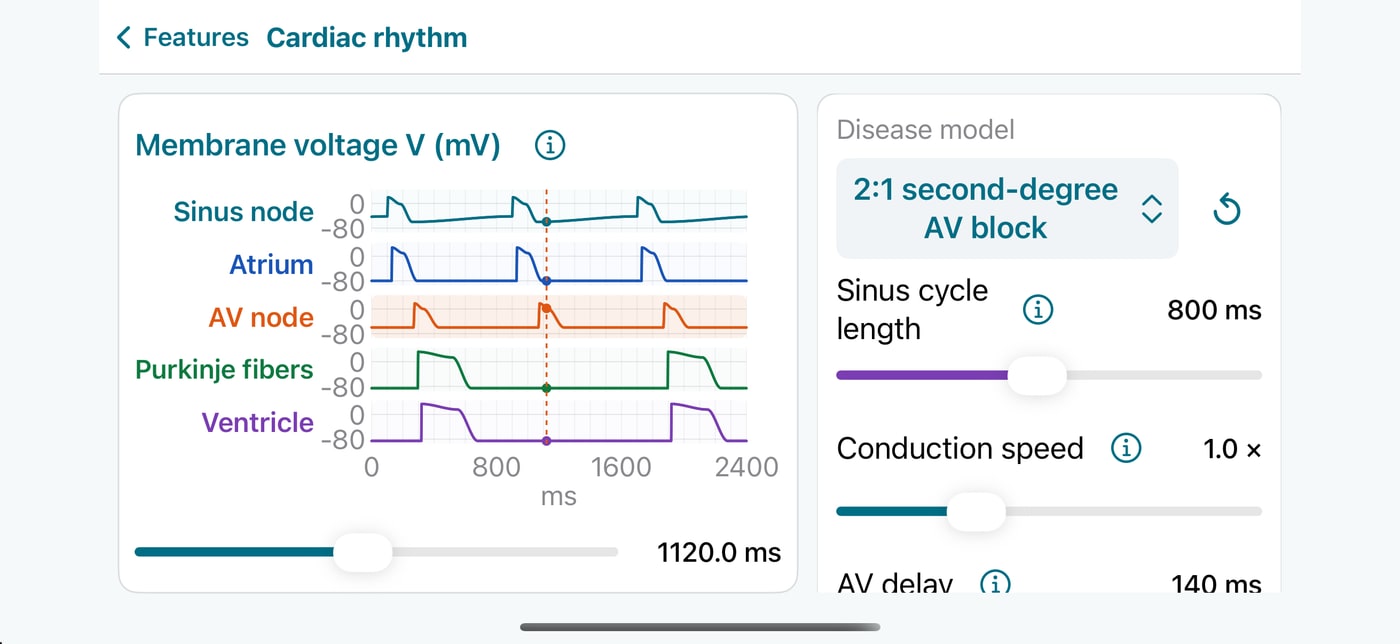
Compare Adult Normal with a representative pattern in one lead or all 12 leads. A common time scale and explanations of the ECG features and their mechanisms help you see what changed—and why.

04

Learn & Quiz

Identify a representative model from 12 leads and a rhythm strip. After answering, review the findings and their mechanisms, then explore them in the simulator.

05

Conditions and physiological differences

Explore illustrative bundle block, atrial fibrillation, LVH strain, and regional ST elevation, alongside a normal child around age five, fever-related sinus tachycardia, and a higher-BMI body-habitus reference.

06

Slow playback and stepping

Slow time to 0.05×, pause, scrub, or step by 10 ms. Manage visible structures and heart opacity from one display panel.

07

Mac, iPhone, and iPad

Larger text and controls, with clearer layouts throughout. On iPhone, use the feature menu and back button, and keep the ECG visible while adjusting ions. The interface supports 10 languages, including Japanese and English.

In the app

3D, explanation, and waveform in one view.

ECG Vector for Mac showing the 3D heart, lead axis, and synchronized waveform
Mac — synchronize the 3D heart with the selected lead
Ion & ECG on iPad showing increased late sodium current, action-potential and QT changes, and links to conditions
iPad — adjust ions, compare with baseline, and explore conditions
ECG & Conditions on iPhone comparing Right Bundle Branch Block with Adult Normal and explaining the findings
iPhone — compare waveforms and learn what changed and why

Free

Try every core workspace

Use Adult Normal and Right Bundle Branch Block, all 12 standard ECG leads, fixed standard electrode positions, comparison and quiz samples, favorites, and four guided Ion & ECG examples.

ECG Vector Pro

One purchase, broader exploration

This is not a subscription. Unlock free adjustment of ion currents, extracellular ions, and pH with synchronized 12-lead response, pediatric and other condition examples, custom leads, electrode editing and misplacement presets, and the complete comparison and quiz libraries.